teoria.com uses cookies. By using our site you agree to the use of cookies. Read our privacy policy for more information. Close
Sessions
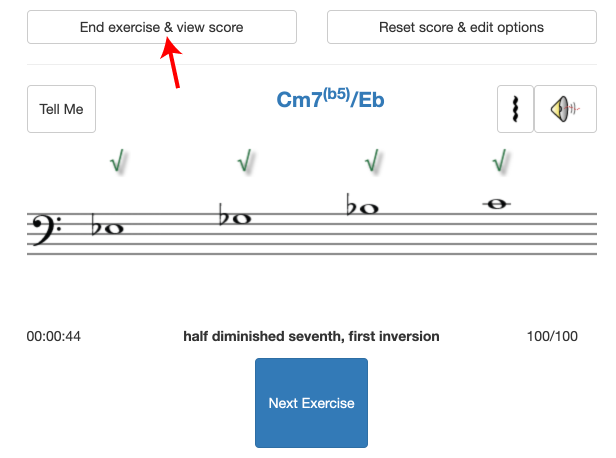
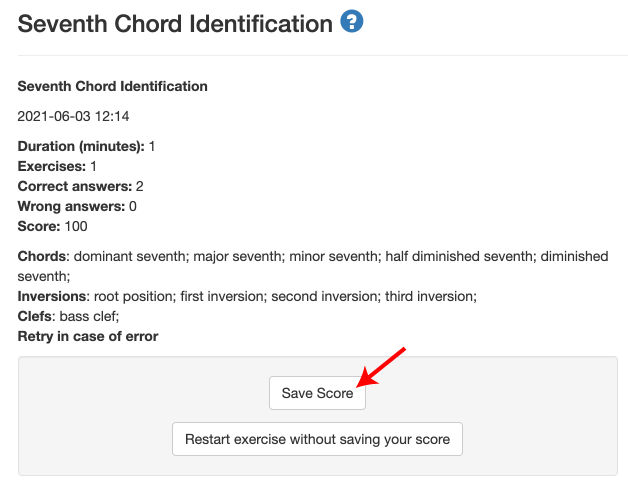
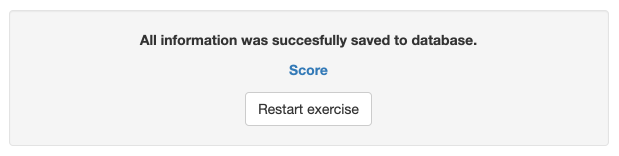
All content on the teoria.com website is free. You do not need to log in, but you can save your exercise scores to the database and analyze your progress and activity if you do.
This document explains how to start a session, save your scores and analyze your results.
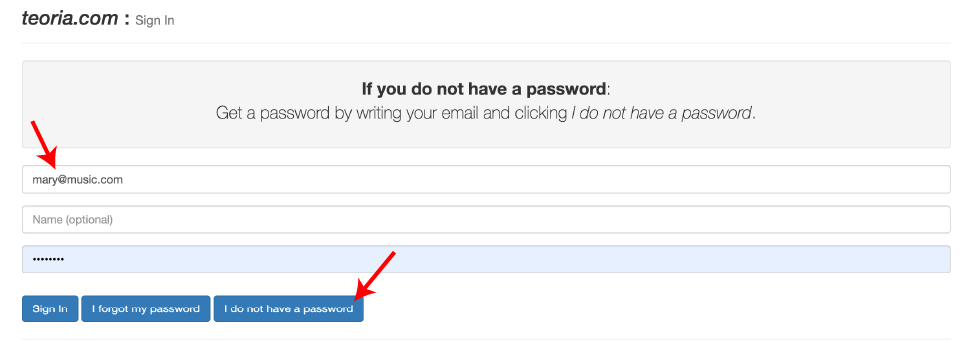
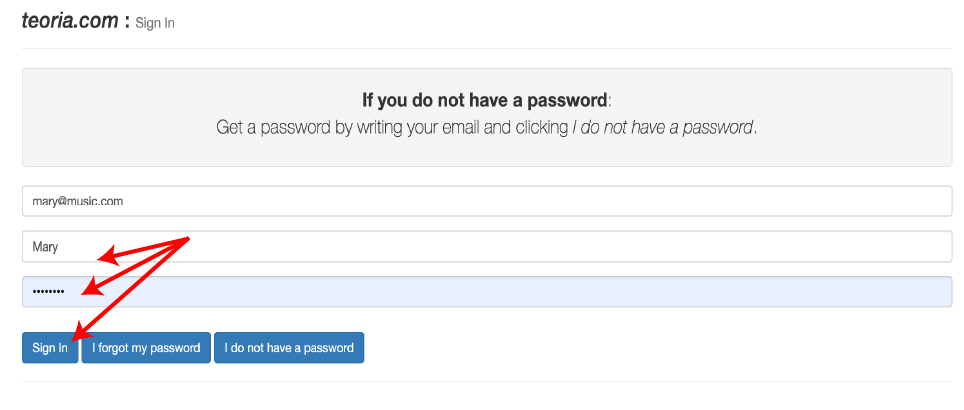
Please note that some schools do not accept external emails, so our email may be rejected. If you do not receive your password within a few minutes, please contact us.
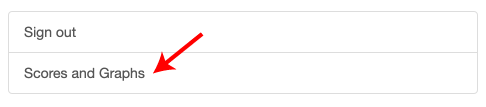
To check your scores, click your name on the top menu:
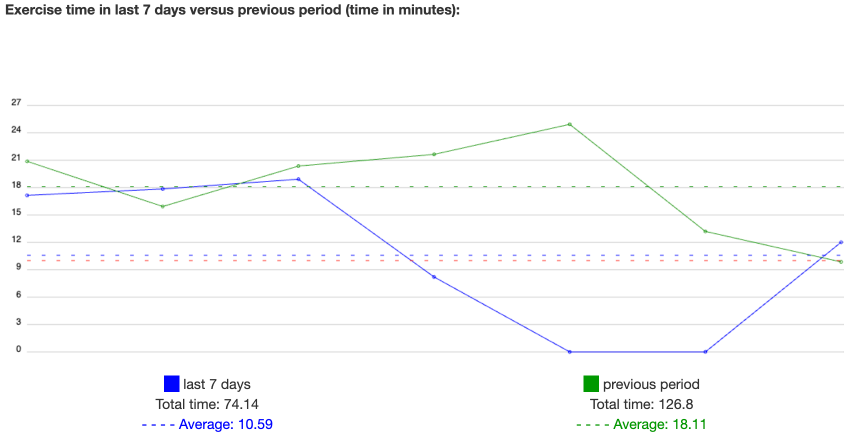
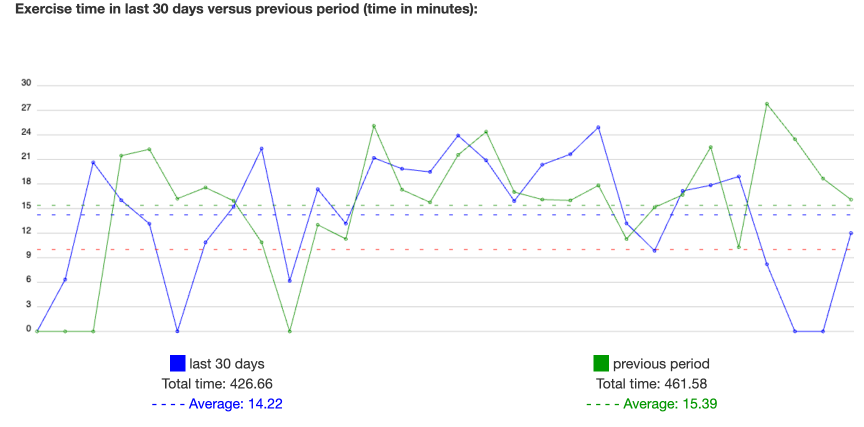
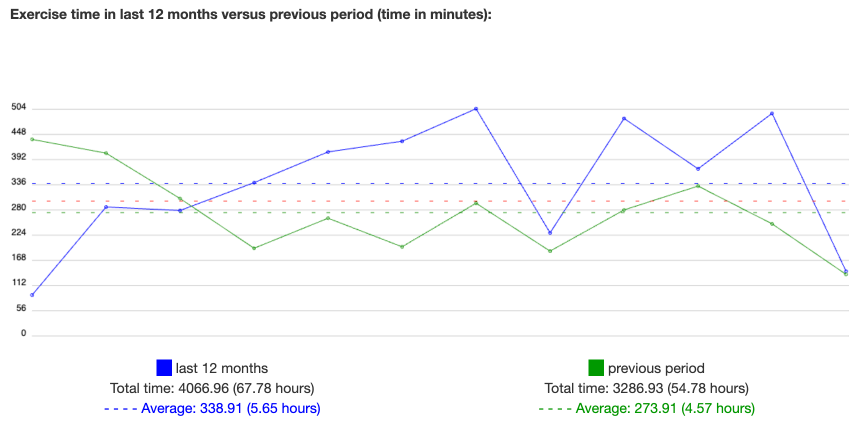
Followed by Scores and Graphs:
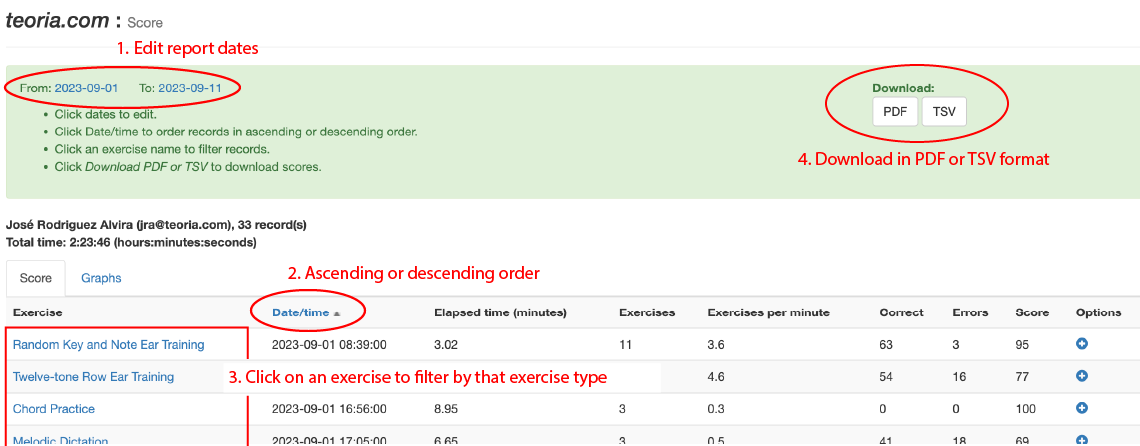
The records for the previous week are displayed. You can edit the dates, the order, filter by exercise type, or download the report in PDF or TSV format (for Excel or Numbers):
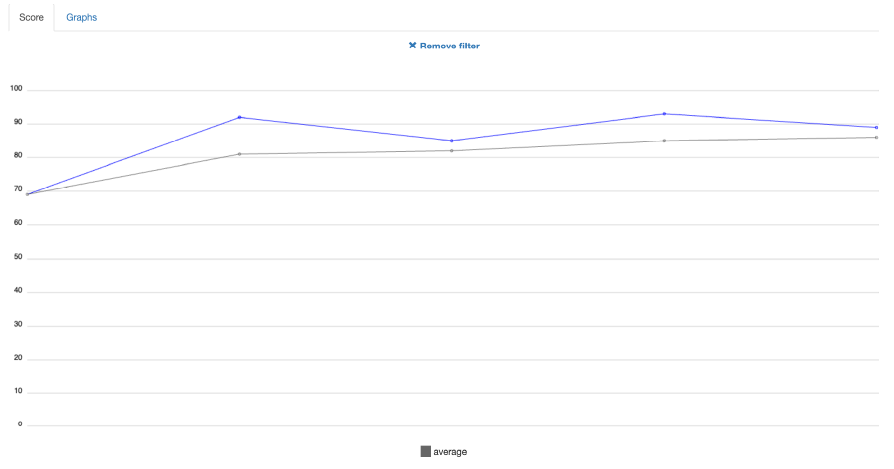
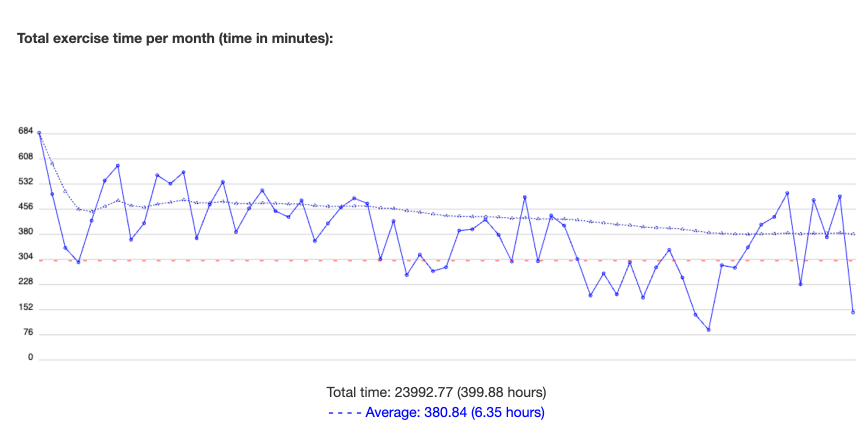
If you filter by exercise type, a graph of the scores will be displayed:
The gray line shows the average score of the selected exercise over the selected time period.
To prevent data loss, we recommend that you back up your results periodically. Currently, we have nearly 10 years' worth of data, but we cannot guarantee that we will keep it indefinitely. Due to space constraints, we sometimes delete older data.
You can select all data or data from a specific time period (years or months). Refer to the previous section, Checking and Exporting Your Scores, to select data from the desired time period.
Export it in TSV format.The TSV file will then be downloaded to your computer.
Import the file into your preferred spreadsheet program (Excel, Numbers, or Google Sheets). Once imported, you’ll have a copy of your information and be able to analyze the data and create charts using your spreadsheet's tools.

 in the lower right corner to copy the link to the clipboard.
